Roadmap Generator
Turn plans into a clean, shareable roadmap. Export as PNG, SVG, GIF or MP4.
Free to try · No design skills · Ready in about two minutes
Trusted by 1,203 users, including people at
 ByteDance
 Arizona State
 Fox
Fox UT Austin
 Roche
Roche Tulane
 United Airlines
 Clemson
 NHS
NHS Ayming
 Marquette
 Kent State
 Ray White
 UC Riverside
 CBA
CBA Illinois Tech
 Venngage
 Hofstra
 House of Communication
 IIT Madras
 Sotherly Hotels
 Zenus.ai
Overview
What is a roadmap?
A roadmap groups planned work into lanes, by quarter, by phase, or as Now / Next / Later, so a plan is easy to scan and easy to share. It answers two questions at once: what are we doing, and roughly when. That makes it the default artefact for product planning, launch prep and stakeholder updates.
The reason to make a roadmap a visual rather than a list is communication. A list of features says nothing about sequence or grouping; a roadmap shows commitment and order at a glance, which is exactly what a board, a customer or a team needs to align around. Lanes carry the 'when', short item notes carry the 'what'.
Reochart lays items out by lane and animates them in, so you get a polished, on-brand roadmap without wrestling a slide tool into shape. Give each item a lane and a short note. Export as MP4, GIF, PNG or SVG, with your colours and logo on Pro.
How it works
How a roadmap works
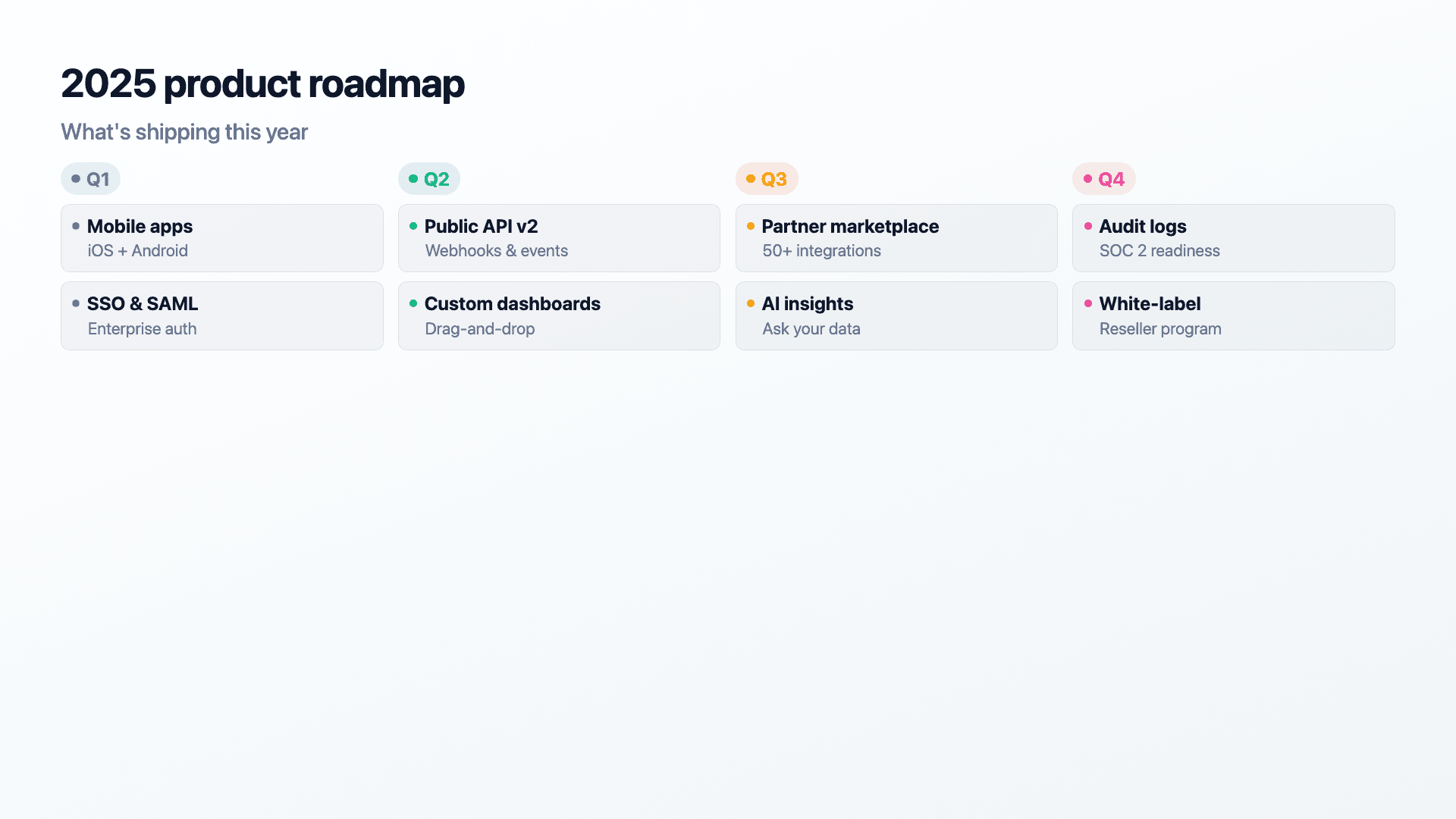
Each item belongs to a lane (a quarter, a phase, or Now / Next / Later) and carries a short note describing it. Reochart groups items under their lane headings and arranges them cleanly, so the structure of the plan is obvious without manual layout.
Keep notes short and the number of lanes small, three or four reads best. A roadmap communicates intent and sequence; it is not the place for full specs.
Examples
Example roadmaps
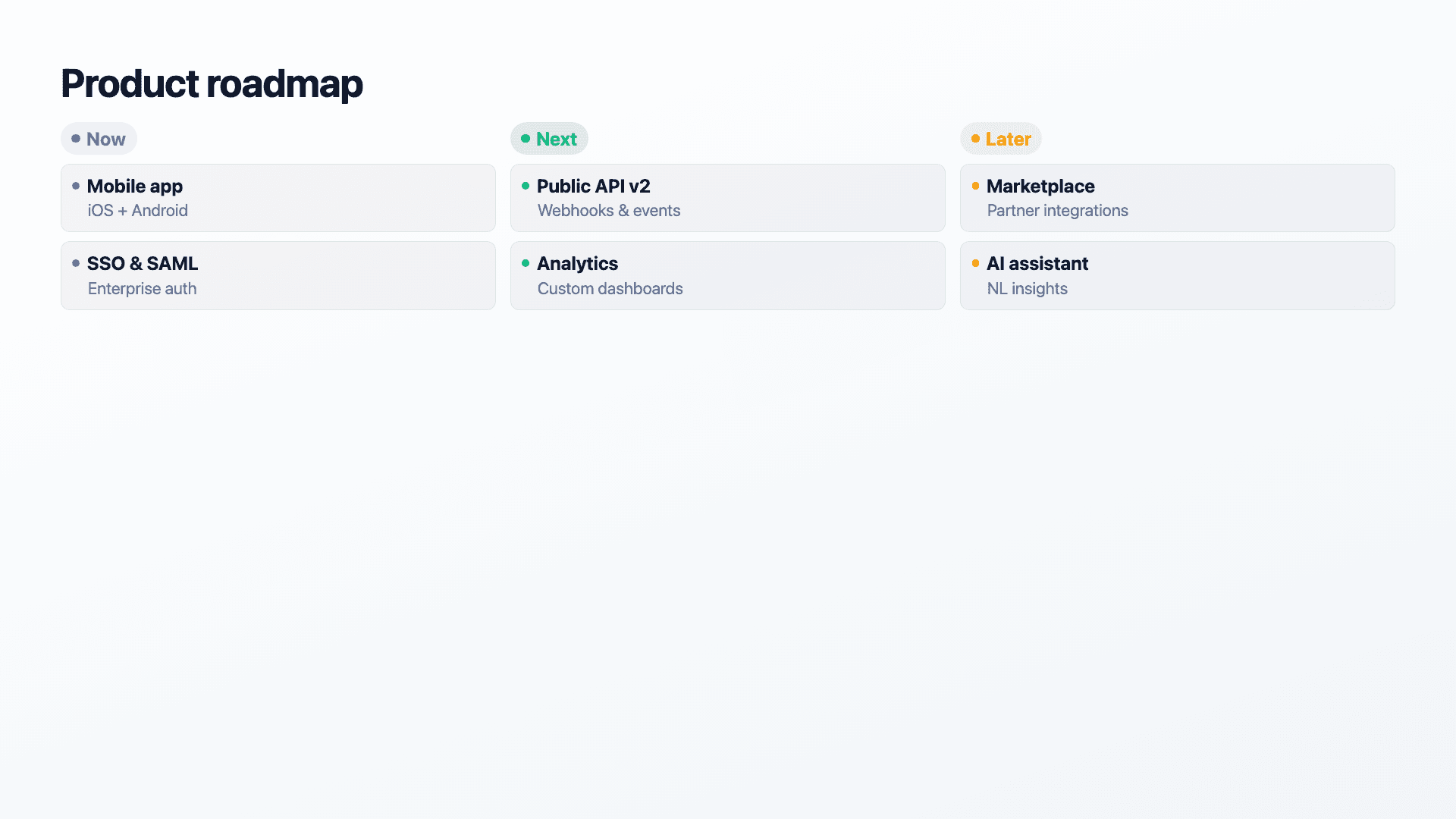
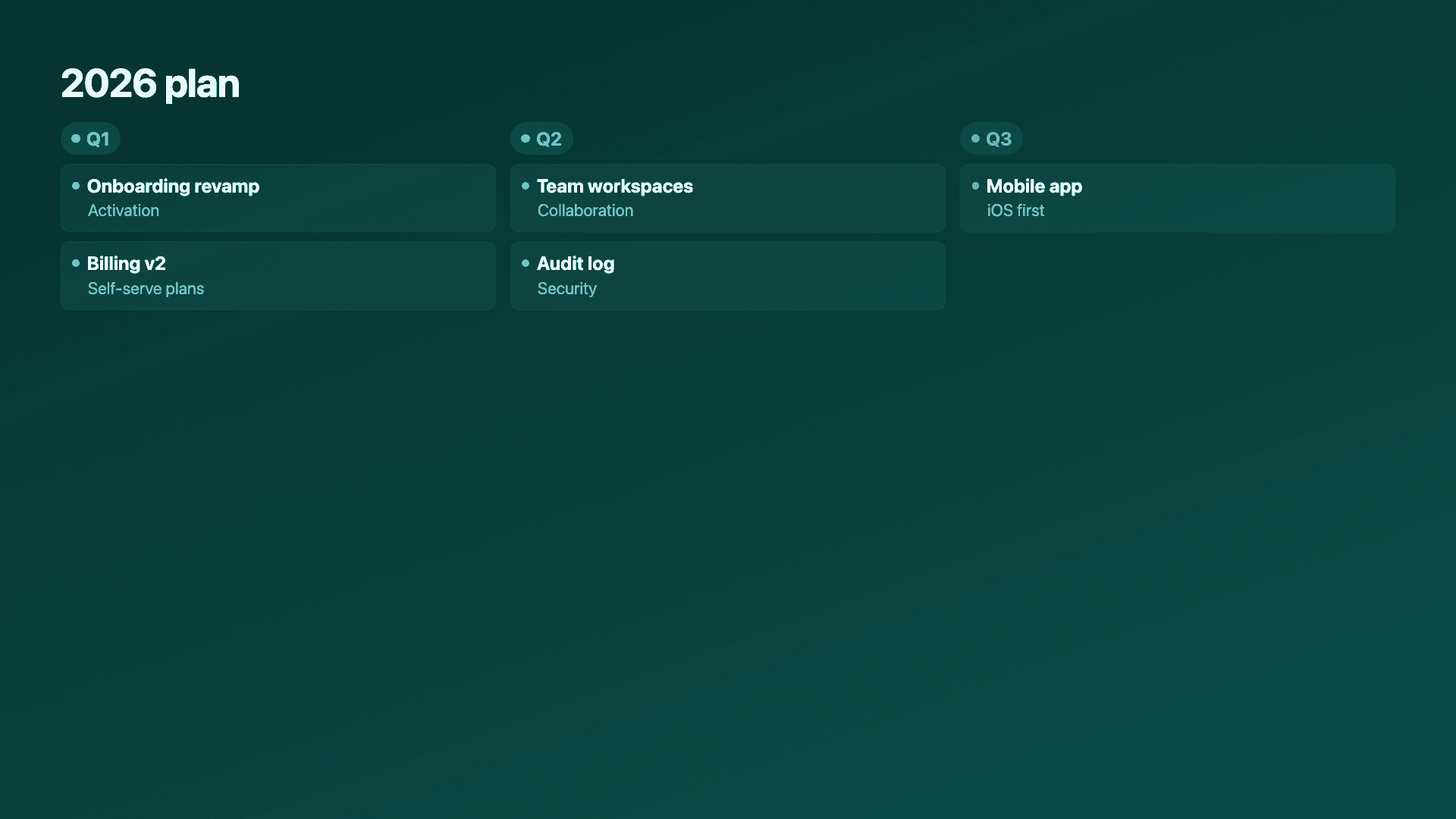
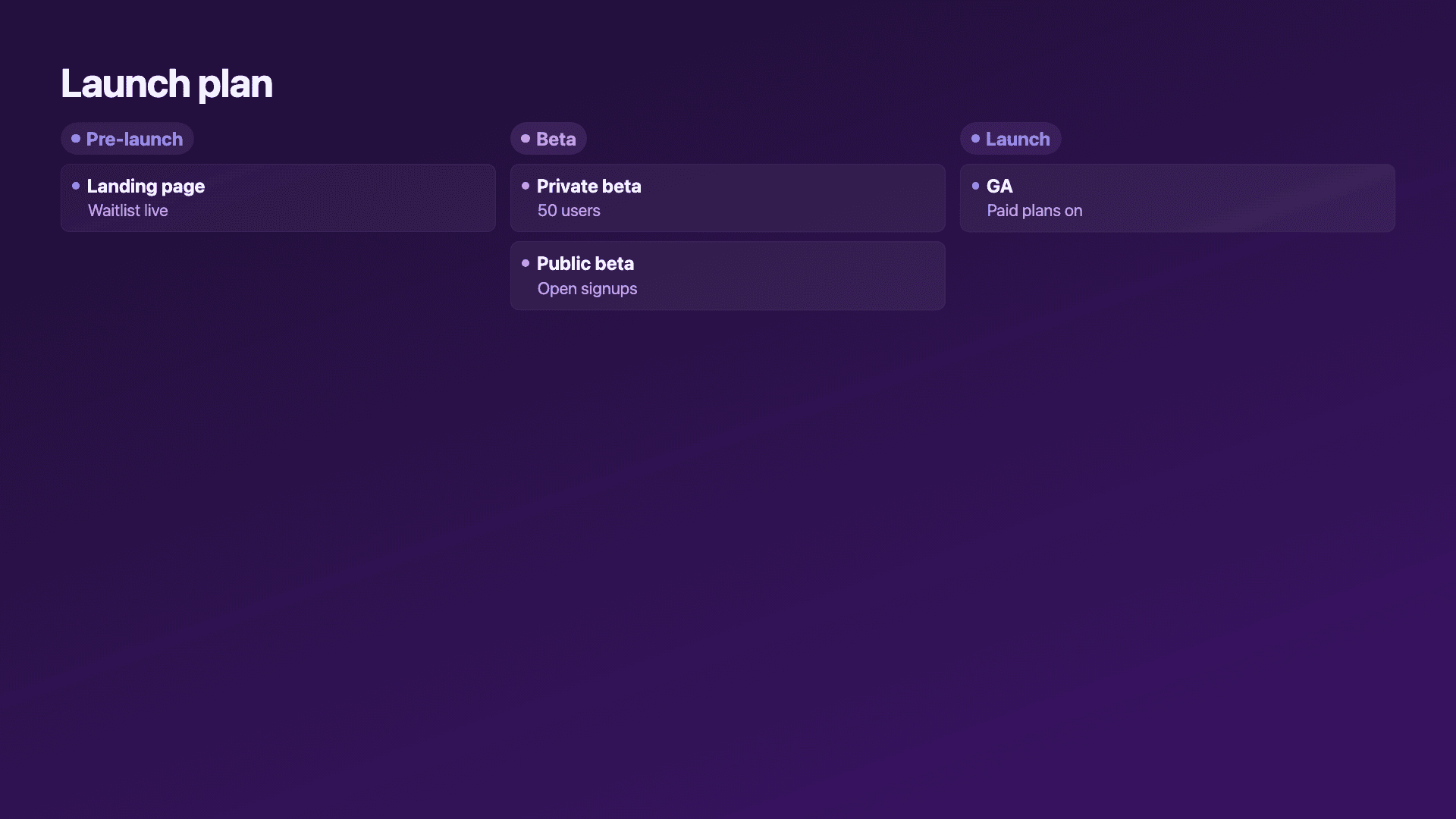
Real charts made in Reochart, each with its own data and theme. They animate automatically as you scroll.
Good fit
When to use a roadmap
- ✓A product roadmap
- ✓A quarterly plan by phase
- ✓Now / Next / Later planning
- ✓A launch or rollout plan
- ✓A stakeholder or board planning view
Reach for something else
When not to use a roadmap
- ✕You are showing a single linear history, use a timeline.
- ✕You need exact dates and dependencies, use a Gantt-style project tool.
- ✕There are no natural lanes or phases, a list or timeline is simpler.
- ✕You are tracking a metric, that is a chart, not a roadmap.
Compare
Roadmap vs other charts
Roadmap vs the alternatives.
| Visual | Best for | Avoid when |
|---|---|---|
| Roadmap | Plans grouped into lanes/phases | A single linear history |
| Timeline | Events in one chronological line | Work grouped into lanes |
| Gantt chart | Exact dates and dependencies | A high-level shareable view |
| Bar chart | Comparing quantities | Communicating a plan |
Your data
What data you need
One row per item: a short title, an optional note and a lane (a quarter, a phase, or Now / Next / Later). Reochart groups items by lane.
| Item | Note | Lane |
|---|---|---|
| Mobile app | iOS + Android | Now |
| Public API v2 | Webhooks & events | Next |
| Marketplace | Partner integrations | Later |
Step by step
How to make a roadmap
Drop your numbers in, or import a CSV.
Choose the chart, theme and animation speed.
Tune colours, labels and add your brand.
Download MP4, GIF, PNG or SVG.
Best practices
Get it right
- ✓Keep to three or four lanes for a clean read.
- ✓Use short item titles and brief notes.
- ✓Group by a clear scheme: quarters, phases or Now/Next/Later.
- ✓Order lanes left to right in time order.
- ✕Promise exact dates you cannot commit to.
- ✕Pack every backlog item onto one roadmap.
- ✕Write full specs in the item notes.
- ✕Mix lane schemes (quarters and phases) on one roadmap.
Watch out
Common mistakes to avoid
A roadmap with thirty items reads as a backlog dump. Show the themes and headline items, not everything.
Pinning hard dates to a roadmap sets expectations you may miss. Lanes like Now / Next / Later communicate intent without overpromising.
Mixing quarters with phases in one view confuses the timeframe. Pick one grouping and stick to it.
Long descriptions break the scannability. Keep notes to a few words and link out for detail.
Why Reochart
Built for sharing, not just charting
- ✓No design skills required
- ✓Animated MP4 and GIF exports
- ✓PNG and scalable SVG too
- ✓Your brand colours and logo (Pro)
- ✓Paste from a sheet or import a CSV
- ✓Presentation and feed ready in minutes
FAQ
Frequently asked questions
What is a roadmap?
A roadmap is a visual plan that groups initiatives into lanes or phases, most often quarters or the Now / Next / Later scheme, so a reader can see what is being worked on and roughly when without reading a project plan. The lanes carry the timing and the item titles carry the substance, which is what makes a roadmap readable in a few seconds where an equivalent list is not. Product teams use roadmaps for release planning, launch prep and stakeholder alignment, because the format communicates sequence and commitment at the same time: a board sees the order of bets, a customer sees what is coming, a team sees what is out of scope for now. The deliberate imprecision is a feature rather than a shortcoming, since lanes signal intent without pinning down the hard dates a roadmap usually cannot honour.
What's the difference between a “roadmap maker” and a “roadmap generator”?
No difference, they're the same tool. This page builds a product roadmap whether you searched for a roadmap maker, a roadmap generator, a roadmap creator or a roadmap template. Each describes the same output: initiatives grouped into lanes such as Now / Next / Later or by quarter, exported as an image or an animated video.
Is a roadmap the same as a Gantt chart?
No. A Gantt chart plots tasks against exact start and end dates with dependencies drawn between them, which makes it a project-management artefact for the team doing the work. A roadmap deliberately drops that precision and groups work into lanes instead, which makes it a communication artefact for people outside the team. Use a Gantt tool when someone needs to know that task B cannot start until task A finishes; use a roadmap when someone needs to understand the shape of the plan.
Can I group items into lanes?
Yes. Give each item a lane and Reochart arranges them under their lane heading for you.
Roadmap or timeline?
A roadmap groups work into lanes or phases. A timeline lays events along a single chronological line. Use a roadmap for plans, a timeline for histories.
Should I put exact dates on it?
Usually not. Lanes like Now / Next / Later or quarters communicate sequence without committing to dates you might miss.
Can I make it animated?
Yes. Charts animate by default, and you can export the animation as an MP4 or GIF, or grab a static PNG or SVG if you prefer.
Can I export as SVG?
Yes. Pro exports a crisp, scalable SVG vector, alongside MP4, GIF and PNG. Every export renders at 1080p.
Is Reochart free?
Yes. The free plan lets you make every chart type except the animated bar chart race, and export an animated MP4 with a small watermark, no card needed. Pro adds the bar chart race, removes the watermark, and adds GIF and SVG, your brand colours and logo, longer videos and CSV import.
From the blog
Learn more about charts and data storytelling

11 min read
How to Create an Animated Number Counter
A step-by-step guide to building a number counter that actually lands: picking the number worth this treatment, setting an honest start point, adding the context that makes it mean something, and exporting an animated version for a launch post, a deck, or a milestone update.
Read article →

11 min read
How to Build a QBR Dashboard
A practical guide to building the handful of charts a quarterly business review actually needs: the growth number, the bridge that explains it, the pipeline read, the KPI scorecard, and the roadmap for what's next.
Read article →